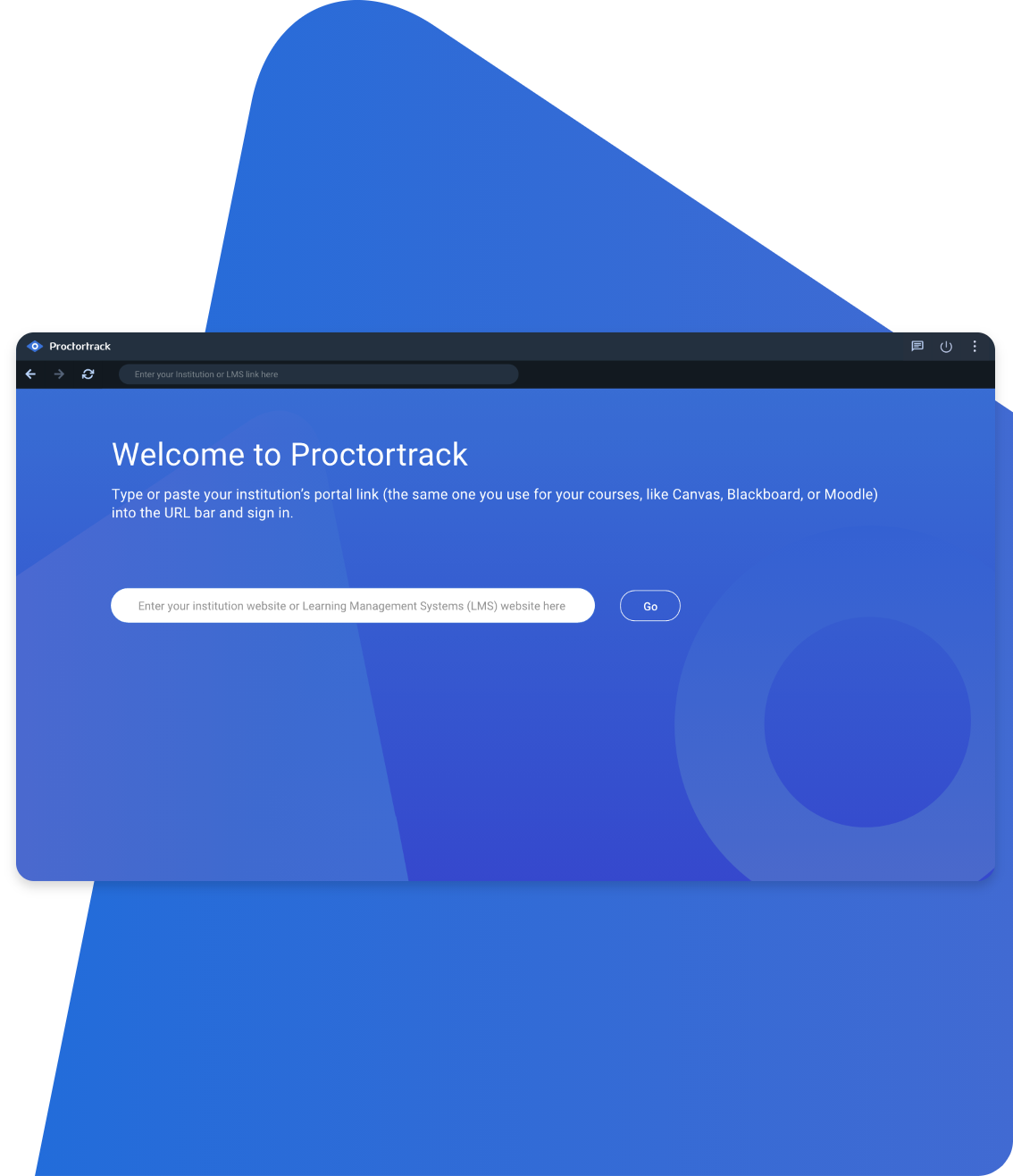
Download Proctortrack and get to your exam in four easy steps.
- 1. Download and install Proctortrack
- 2. Open Proctortrack
- 3. Sign in into the Learning Management system
- 4. Navigate to the Proctortrack Student Dashboard and click “Go To Test.” Follow the steps to check your identity and start the exam.
Having trouble connecting the app? Click here to troubleshoot